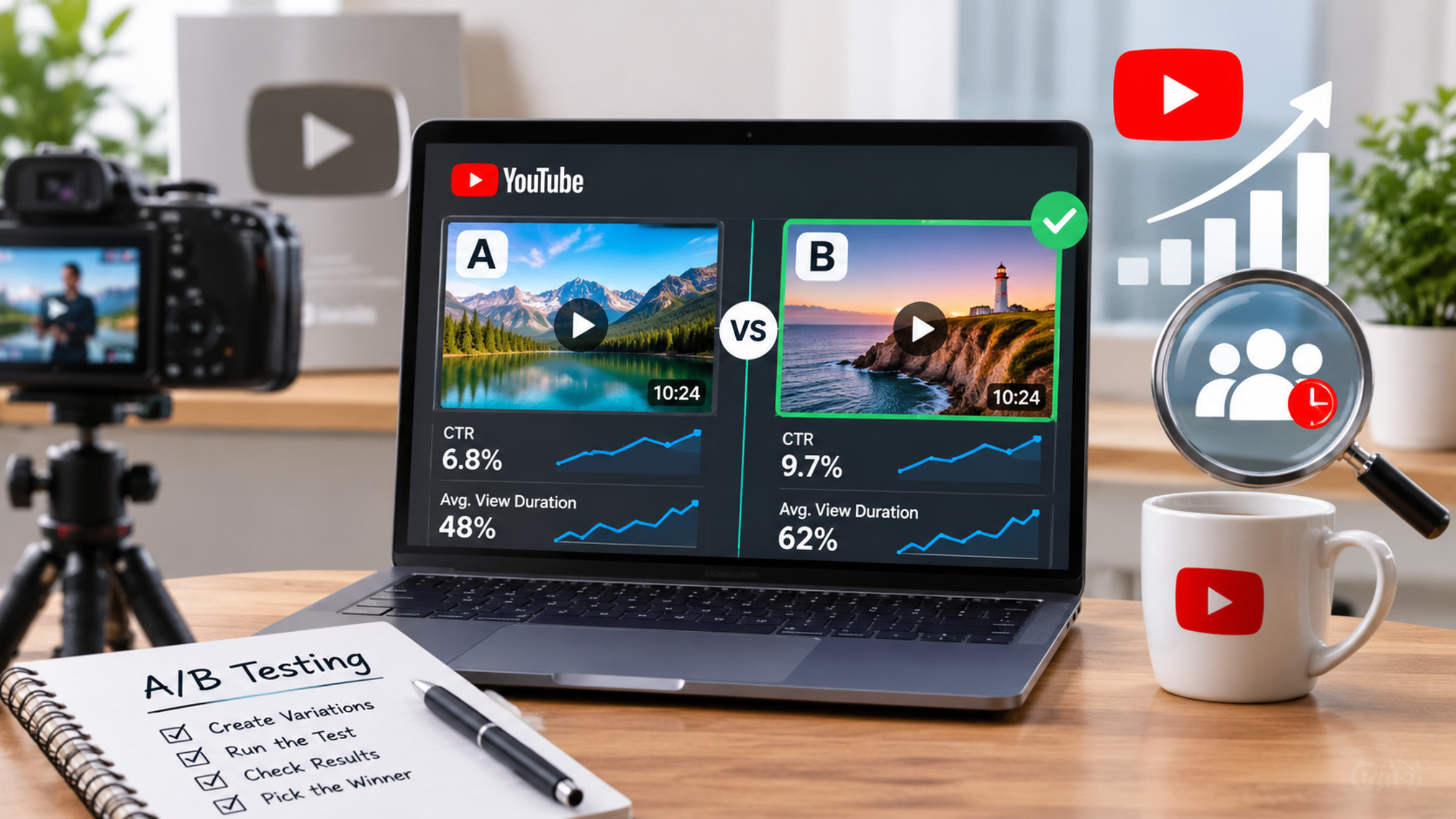
YouTube Video A/B Testing in 2026: How to Find the Version That Holds Attention
Every editor has had the same argument with themselves: should the video open with the result, the problem, or a joke? Until now, you picked one, published, and watched the retention graph to see if you guessed right. YouTube's newest Studio tool is designed to end that guessing by letting you test different cuts of the same video against real viewers.
This guide explains what YouTube has announced about video A/B testing, what is and is not confirmed, how it differs from thumbnail and title testing, how to compare audience retention across versions, and how to turn the results into better editing, pacing, and storytelling. It also covers what you can do right now, before the feature reaches your channel, and where views and growth services fit as supplementary promotion without distorting your results.
Short answer: YouTube video A/B testing lets a creator compare up to three cuts of the same video and see which one holds viewers best, judged by retention curves, not clicks. Test one change at a time, usually the opening, read where each cut loses viewers, and use the result to improve future edits. YouTube announced the feature on September 23, 2026, and had not given a release date when this guide was updated.
What is YouTube video A/B testing, and is it available yet?
Video A/B testing is a YouTube Studio feature that lets creators try up to three different cuts of a video to see which holds audience attention best. YouTube announced it at Made on YouTube on September 23, 2026. As of mid-November 2026, YouTube still describes it in forward-looking terms and has not published a release date.
Here is what YouTube itself has said. In its September 23 announcement, CEO Neal Mohan's post says creators can use video A/B testing in Studio to try out up to three different cuts for which holds audience attention best. On November 16, YouTube's creator liaison Rene Ritchie published a follow-up on the YouTube Blog after a conversation with YouTube's vice president of creator product, Amjad Hanif, and the creator strategist Paddy Galloway. That post says video A/B testing will run a test, provide results, and give the creator seven days to choose which edit to go with. It also says the results will include retention curves for the edits, and that Hanif expects creators to use the feature most on intros.
What YouTube has not confirmed in what I could find is just as important:
- No release date or eligibility rules. YouTube's posts speak of the prospect of the feature, and a community summary described it as coming soon.
- Scope is unclear. In the video behind the November 16 post, Hanif said the feature starts off with Shorts. Some third-party guides say it covers both Shorts and long-form videos. PPC Land, a trade publication that covered the video in detail, noted that sources disagreed.
- Test length is not stated. Nobody has said how long a test runs before results arrive.
- What happens if you do not choose. The seven-day rule is confirmed, but the consequence of not choosing is not.
So the honest position is this: video A/B testing is announced and being described in detail, but you should not assume your channel has it today. Check your Studio. If you see it, the details below will help you use it well. If you do not, the sections on preparing and on what you can do now will still improve your editing.
How is video-cut testing different from thumbnail and title testing?
Thumbnail and title testing compares packaging: how a video looks before someone clicks. Video A/B testing compares the video itself: how two or three edits perform after someone starts watching. The first asks which package earns the click. The second asks which version keeps people watching.
The differences matter because the two tools answer different questions. Here is how they compare, using YouTube's own descriptions and its
Help documentation as summarized by KOLMKT and PPC Land:
- What is tested. Title and thumbnail testing compares up to three titles, thumbnails, or combinations. Video A/B testing compares up to three versions of the video itself, such as different openings or pacing.
- What it judges. The title and thumbnail tool judges results on watch time. Video A/B testing is built around retention curves, which show how long viewers stay at each moment of each cut. Hanif said YouTube focused on retention curves because they give the true insight, and that a sea of other metrics can distract.
- How it ends. The title and thumbnail tool can end with a result labeled Winner, Performed the same, or Inconclusive, and a winning variant is applied automatically. With video A/B testing, YouTube says it will give results and let the creator choose within seven days.
- Format limits. According to KOLMKT's summary of YouTube's Help page, the title and thumbnail tool is currently desktop-only, requires advanced features, and excludes formats such as Shorts, scheduled live streams, and active Premieres. Video A/B testing has different, not yet published, eligibility rules, so do not assume the old limits apply.
- When it matters in the viewer journey. Thumbnails and titles influence whether someone clicks. Cuts influence whether they keep watching after the click.
A third tool is easy to confuse with both. Dynamic thumbnails, also announced at Made on YouTube, let creators upload up to three thumbnails that YouTube serves to different audience segments automatically. That is still about packaging, and it is a different question from which edit holds attention.
The tools work together. Your title and thumbnail make a promise, and your opening has to keep it. Galloway put it that way in the November conversation, saying the intro should deliver on what the title and thumbnail promise. A strong packaging test can bring people in. A strong cut test shows whether the video earns their time once they arrive.
For a wider look at how formats compete, our guide on Instagram Reels, YouTube Shorts, and TikTok compares short-form video platforms.
What should you test in your video cuts?
Test one editing decision at a time, and start with the opening. Hanif said creators he talks to plan to test intros most, often the first 30 seconds. After that, test proof order, pacing in a slow section, the ending, or the story structure. Keep the topic, claim, title, and thumbnail the same.
The point of a cut test is to learn which editing choice works, so each version should differ in one meaningful way. If one cut has a new hook, a shorter middle, and a different ending, you cannot tell which change moved the result. TubeBuddy makes the same point in its guide to the new tools: start with one meaningful change.
Here are good first things to test, with hypothetical examples:
- The hook. Version A opens with the finished result, Version B with the problem the viewer has, and Version C with a quick proof clip. Same video, same promise, three ways in.
- The trailer intro. Galloway and Hanif both mentioned podcasts and long interviews as an obvious case: open with a short compilation of highlights, or start with the first question?
- Proof order. A tutorial channel could show the final result first in one cut and reveal it at the end in another.
- Pacing in the middle. Keep the opening identical and tighten a slow explanation by cutting repeated points in one version.
- The call to action. Test where the ask appears: early, in the middle, or at the end. Galloway mentioned call-to-action testing as one of the subtler variations.
- Story structure. For narrative videos, compare chronological order with starting at the most interesting moment.
You do not need three radically different videos. Hanif and Galloway both expect that many tests will be small variations. If you are worried about the workload, remember that you are editing one video in a few controlled ways, not producing three separate productions.
How do you set up a clean test?
Write a one-page test card before you edit: the question, the single variable, what stays identical, how you will name each cut, who decides, and when. Then keep the packaging and the traffic stable during the test, so any difference in retention comes from the edit.
The workflow below borrows from KOLMKT's guide to a three-cut creator workflow, adapted for everyday channels.
- Write the hypothesis. For example: opening with the result will keep more viewers through the first 30 seconds than opening with the backstory.
- Name the single variable. Opening hook, proof order, pacing of one section, or ending.
- List what must not change. Topic, core claim, title and thumbnail, overall length band, and any required disclosure.
- Name your cuts clearly. Use labels such as A-result-first, B-problem-first, C-proof-first, and save the project file for each.
- Decide in advance what a win means. For instance, a cut that holds meaningfully more viewers through the first minute without hurting the rest of the video.
- Do not change the title or thumbnail mid-test. If you do, you cannot tell what caused any change in viewing behavior.
- Keep traffic conditions steady. KOLMKT recommends recording whether paid promotion, outside traffic, or a major audience event overlaps the test window, because they can change who is watching.
- Keep commercial content equal. For sponsored videos, every cut should carry the same approved claims and the same clear disclosure, so a test never produces an unapproved version.
If you work with editors, share the test card with them. A clear question makes the editing faster and the result easier to trust.
How do you compare audience retention across versions?
Look at the shape of each retention curve, not only the average. Compare the first 30 seconds, where each cut loses viewers, where the curve flattens, where it spikes, and how it ends. Then check average view duration and watch-time share, and segment new and returning viewers when the data allows.
YouTube says test results will include retention curves for the cuts, and TubeBuddy reports that YouTube's demonstration also showed average view duration and watch-time share next to the curves. That gives you more to go on than a single number.
Here is how to read them, step by step. Galloway describes his own analysis as starting with views, then the retention curve, then checking whether other metrics such as click-through rate or average view duration explain anything, and then writing an action plan.
- Start with the opening. The first 30 seconds is where YouTube's retention report highlights the most important signals, according to KOLMKT's summary of its Help page. Which cut keeps more people past the first 30 seconds?
- Find the first big drop. Where does each curve fall off a cliff? A steep early drop usually means the opening did not match the promise of the title and thumbnail, or took too long to get going.
- Look at the middle. Gradual decline is normal. A sharp dip in the middle suggests a section dragged, repeated itself, or confused viewers.
- Note the spikes. KOLMKT cautions that a spike can mean a moment was valuable, or unclear enough that people replayed it. Check what is on screen before you celebrate.
- Check the ending. A late drop can mean viewers felt the video was over before it was.
- Compare average view duration and watch-time share. If a cut wins on the curve but loses on these, find out why before choosing.
- Segment where you can. New viewers and returning viewers often behave differently. Galloway notes that sometimes being on camera works best for core fans, while a focus on the story can hook people who do not know you yet.
Two cautions apply. First, do not declare a winner because a secondary metric moved the way you hoped after the main result was unclear. Second, remember that Galloway raised the possibility that the real winner might be a hybrid. One cut may have a stronger opening while another has a stronger middle, and the lesson for the next video is to combine them.
If your channel is small, treat early results with care. A test depends on enough viewers to show a pattern, and neither YouTube's announcement nor its November post says how much traffic is needed. If results are close, treat them as a hint, not a verdict.
How do you turn test results into better editing, pacing, and storytelling?
Match the pattern in the curve to an editing action: a steep early drop means tighten or sharpen the opening, a middle dip means cut or reorder, a spike means expand that moment, and a late drop means rethink the ending. Then record what you learned so it shapes the next video, not just this one.
Here is a practical translation guide.
- Steep drop in the first 10 to 15 seconds. Get to the point faster. Cut the preamble, state what the video will deliver, and show the payoff or a strong preview of it early.
- Steady loss after a long intro. Shorten the setup. Galloway says clients often overload the opening with everything that is coming. Replace the list with one clear promise and one reason to keep watching.
- Middle dip. Look at what is on screen. Trim repeated explanations, add a visual change or new information, or move a stronger moment forward.
- Spike at a specific moment. Find out why. If it is a genuinely strong moment, build more like it into future videos or move it earlier.
- Flat curve at a low level. The opening may not match the packaging. Check whether the title and thumbnail promise something the first minute does not deliver.
- Strong opening, weak ending. Look at your closing. Cut extra outros, and make sure the last section pays off the promise.
- A hybrid result. Combine the best opening with the best middle in the next video.
Pacing
Pacing is how fast new information, visuals, or emotion arrive. Use your curves to find where viewers lost interest, then try shorter shots, tighter sentences, cut-ins, on-screen text, or a change of scene at those points. YouTube's own newly announced conversational editing tool for Shorts and the YouTube Create app is built around similar tasks such as trimming pauses and reordering for better pacing, though it is a separate tool from A/B testing.
Storytelling
Use the results to learn what kind of story your audience stays for. Galloway shared an example of a sports channel whose audience dropped off whenever it used scripted skits, while more personal, authentic stories kept people watching. Your curves may show something similar: perhaps your viewers prefer a direct answer first, or a story told from the most interesting moment, or a quick tour of results before the explanation.
Build a playbook, not a one-off fix
After each test, write one sentence of what you learned and where it applies. A good learning is lead with the result in this tutorial series, not all viewers prefer results first. Apply it to the next comparable video, test it again, and review it as your audience changes. Our guide on YouTube growth secrets for small creators has more on building videos that keep viewers curious.
What can you do before video A/B testing reaches your channel?
You can use the tools you already have: the audience retention report, Advanced Mode comparisons, title and thumbnail tests, and draft feedback in Ask Studio. None replaces a true concurrent cut test, but they build the same habit of editing with evidence.
- Study your retention reports. YouTube's retention report shows key moments, spikes, and dips. Review your last 10 videos and note where viewers left.
- Compare similar videos. KOLMKT points to Advanced Mode in YouTube Analytics for comparing similar videos or groups over comparable parts of their lifespan. Compare videos that used different openings.
- Use title and thumbnail tests for packaging. If your desktop Studio offers it, test titles and thumbnails separately. It will not tell you about the edit, but it keeps your packaging honest.
- Try Get Feedback in Ask Studio. TubeBuddy reports that this tool gives timestamped editing suggestions on unpublished drafts, drawing on your channel and audience. Check whether it is available to you.
- Run a sequential experiment, and call it that. KOLMKT suggests that if you cannot run a native test, you can try a controlled sequence of similar videos. Keep the variable the same, and do not describe it as a true A/B test, because audiences, timing, and topics differ between uploads.
- Prepare your cuts anyway. Film or edit two or three opening options for your next upload so you are ready if the feature appears.
For related basics, our guide on how to increase YouTube views and subscribers lists simple retention fixes such as starting fast and removing anything that slows the pace.
What does a four-week video-testing plan look like?
A four-week plan builds one habit at a time: audit your retention, write the test card, run or simulate a test, then record the lesson. It works with the real feature if you have access, or with the substitutes above if you do not.
- Week 1: Audit. Review retention graphs for your last 10 videos and mark the first big drop in each. Choose one question to answer, such as does an outcome-first opening hold viewers better than a backstory-first one?
- Week 2: Prepare. Write the test card. Edit two or three versions that differ only in the opening. Prepare a shared title and thumbnail.
- Week 3: Run. If the feature is available, run the test and wait for results. If not, publish comparable videos in sequence with one change, and mark the result as an informal experiment.
- Week 4: Decide and record. Compare curves, average view duration, and watch-time share. Choose a cut, write the one-sentence lesson, and plan the next test.
Where do views and growth services fit?
They are supplementary promotion, and they should stay away from your test. A cut test measures how real viewers respond to different edits. Anything that adds artificial or unrelated traffic during the test can muddy what you learn, so use promotion before or after, not during.
Here is the honest position. Video A/B testing is only useful if the people watching are the audience you want to understand. Traffic from outside your normal audience can change retention patterns, which is why KOLMKT advises recording paid or external traffic that overlaps a test. If you want to promote a video, the cleanest approach is to let the test finish, choose the winning cut, and then promote that version.
There is also account risk to weigh. Platform rules, including YouTube's, generally restrict artificial engagement, so read YouTube's current policies and the terms of any provider before you buy anything. Services can influence how a video looks to newcomers, but they cannot make anyone watch to the end. Retention, the thing you are testing, comes only from real viewers who find the video worth their time.
If you decide to use support services, a cautious approach looks like this:
- Test first, promote second. Finish your cut test with normal traffic, then promote the version you chose.
- Do not run purchased views during a test. They can distort the result you are trying to read.
- Keep the focus on retention and real viewers. A video that holds people is the foundation. Our guide on real engagement versus vanity metrics explains why.
- Start small and review. Compare your retention and watch time before and after, and stop if they drop.
You can browse our services for YouTube options, or look at our YouTube likes and YouTube subscribers pages. Read each offer's terms first, and treat any service as a small support for good content, never as the strategy. You can also read our FAQ or create an account.
What mistakes make video tests useless?
The most common mistakes are changing too many things at once, changing the title or thumbnail mid-test, judging on tiny differences, ignoring who is watching, and treating one result as a universal rule. Most are avoidable with a clear question and patience.
Changing several things at once is the biggest. If your cuts differ in hook, pacing, and ending, a result tells you which version won but not why. Changing packaging during a test is next, because it muddies the comparison. Judging on small differences is risky too: when curves look nearly the same, the honest conclusion is that the change did not matter much, which is useful to know.
Other traps include forgetting that new and returning viewers behave differently, mixing in promotion or outside traffic, and over-generalizing. A result from one video says something about that audience at that moment, not about every video you will ever make. Finally, do not abandon your own judgment. Retention data shows you what happened, not whether the video served its purpose. Keep the creative idea strong, and use the data to sharpen it.
Final thoughts
YouTube video A/B testing could change how creators edit, because it lets you test the part of a video that used to be locked after upload. But it is announced, not confirmed as widely available, so plan with care: learn to read retention now, form clear hypotheses, test one change at a time, and keep promotion separate from measurement.
Start this week. Open your retention reports, find the first big drop in your last few videos, and write down one question about your opening. When the feature reaches your channel, you will already know what to test.
What is YouTube video A/B testing?
It is a YouTube Studio feature, announced September 23, 2026, that lets creators try up to three different cuts of the same video to see which holds audience attention best. It is built around retention curves for each cut, and YouTube says creators will have seven days to choose which edit to keep.
Is YouTube video A/B testing available now?
YouTube announced it in September 2026 and described it again on November 16, but I found no release date or eligibility rules. Some sources say it starts with Shorts. Check YouTube Studio for the option, and watch the official YouTube Blog for availability details before you plan around it.
How is video A/B testing different from thumbnail testing?
Thumbnail and title tests compare packaging, which affects whether people click. Video A/B testing compares edits of the video itself, which affects whether people keep watching. YouTube built video tests around retention curves, while its title and thumbnail tool judges results on watch time and ends with a winner, a tie, or an inconclusive result.
What should I test first?
Thumbnail and title tests compare packaging, which affects whether people click. Video A/B testing compares edits of the video itself, which affects whether people keep watching. YouTube built video tests around retention curves, while its title and thumbnail tool judges results on watch time and ends with a winner, a tie, or an inconclusive result.
How many versions can I test?
YouTube says up to three cuts. The November 16 conversation also refers to two or three versions. Each version gets its own retention curve in the results. Start with two clean versions if you are new to testing, because fewer variables make results easier to read.
How do I read retention curves?
Compare the first 30 seconds, then look for where each cut drops sharply, where the curve flattens, and where it spikes. A steep early drop often means the opening did not deliver on the title and thumbnail. Check average view duration and watch-time share too, and segment new and returning viewers if you can.
Can I test a video if the feature is not available to me?
Not with YouTube's native test, but you can build the habit. Study your retention reports, compare similar videos in Advanced Mode, test packaging with title and thumbnail tests, and try controlled sequential experiments. Label sequential experiments as informal, because audiences and timing differ between uploads.
Does the test pick the winner automatically?
YouTube says the test will provide results and give the creator seven days to choose which edit to go with. A report on the conversation says YouTube gives a predicted winner, but the creator makes the final decision. That differs from title and thumbnail tests, which apply the winner automatically.
Should I run promotion or buy views during a test?
It is better not to. Extra or unrelated traffic can change retention patterns and make results harder to read. Finish the test with normal traffic, then promote the version you chose. Platform rules generally restrict artificial engagement, so read YouTube's policies and any provider's terms first.
How do I use test results to improve future videos?
Match the pattern to an action: tighten the opening after an early drop, trim or reorder after a middle dip, expand moments that spike, and rethink endings that lose viewers. Then write a one-sentence lesson, apply it to the next comparable video, and test it again before treating it as a rule.